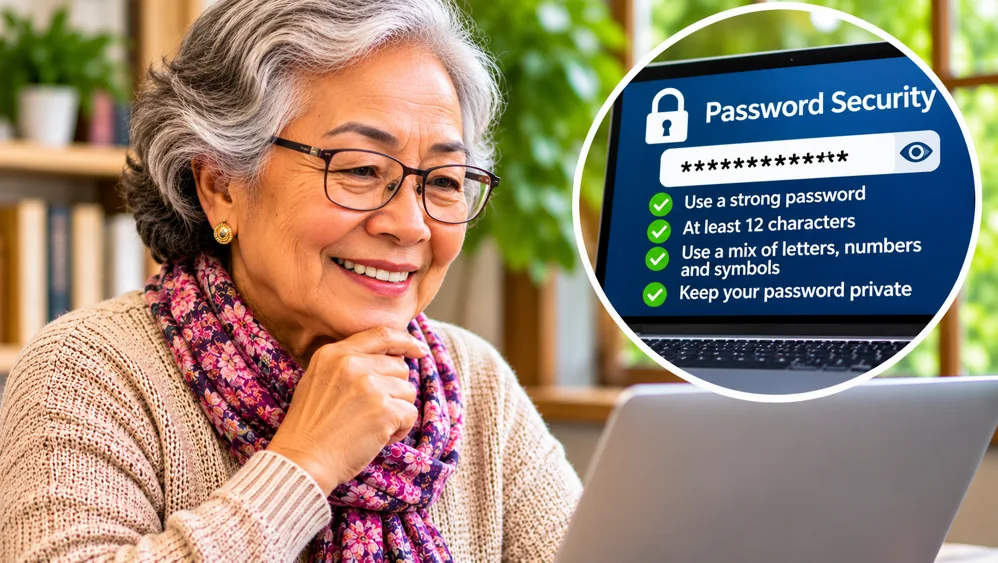
What you need to know
A password protects an account. Reusing it means a breach at one service can expose other accounts. Long, unique passwords or passphrases are safer than short predictable ones.
A realistic example
A shopping website suffers a breach. A criminal tries the same email and password at your email provider.
Warning signs
- Reused passwords
- names and birthdays
- predictable substitutions
- requests to share passwords
- unexpected password reset messages.
What to do, step by step
- Use a unique password for every account; aim for at least 16 characters when supported, or a long random passphrase.
- Use a reputable password manager to generate and store passwords. Protect its master password and enable two-factor authentication.
- Never use an example password from a lesson as your real password.
- Change passwords when compromised or reused; start with email and financial accounts. Never enter real passwords in a training website.
If you have already responded
From a trusted device, change exposed passwords, revoke unknown sessions and check recovery email and phone settings.
Trusted resource
https://www.getcybersafe.gc.ca/ (Internet required.)
Remember: take your time, verify independently and never share passwords or verification codes.